


Sris Smartfren XAPK
- Version
- 1.3.2.P
- Size
- 11 MB
- Category
- Tools
Screenshots
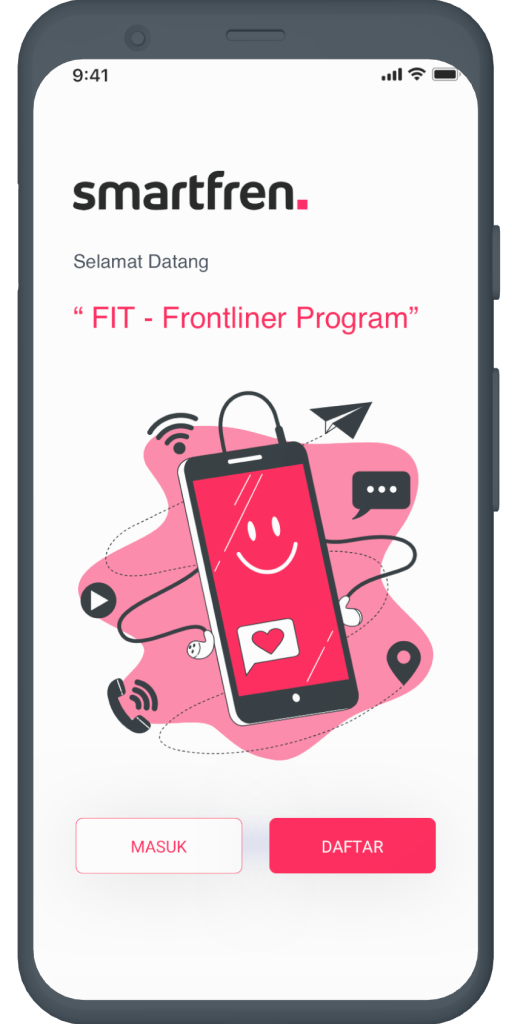
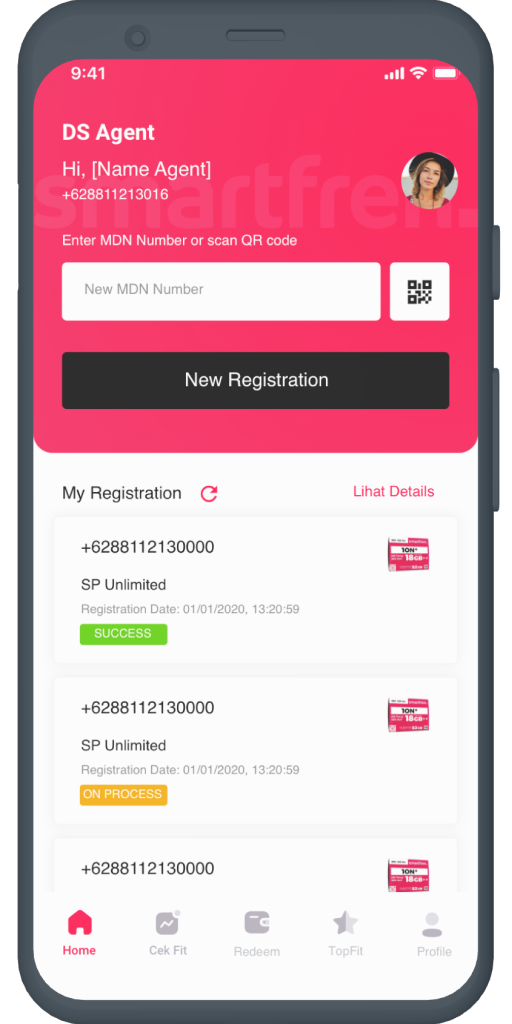
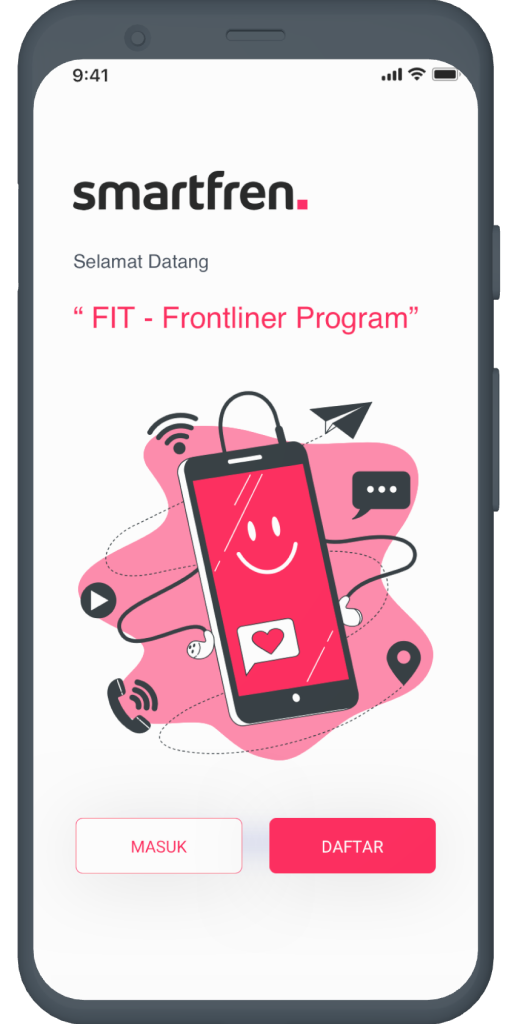
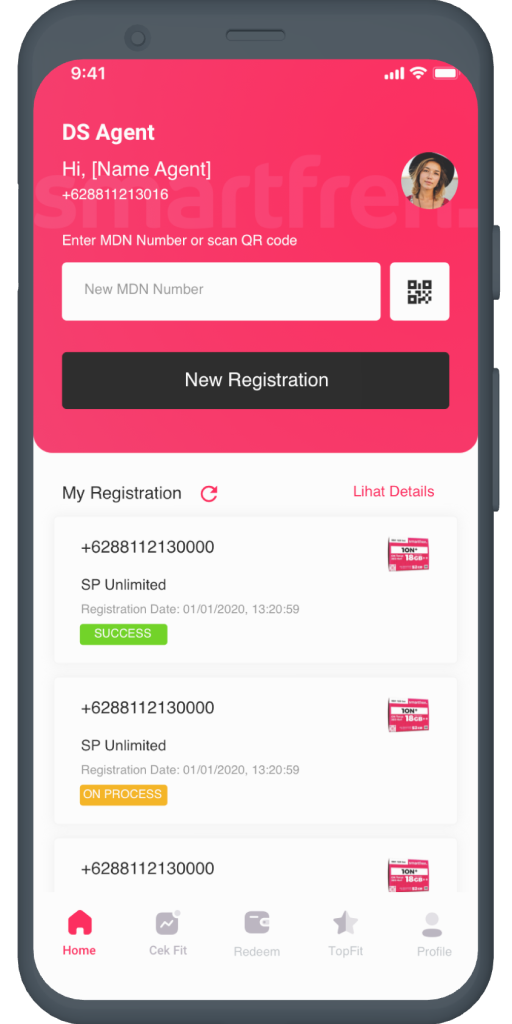
What's new
Version 1.3.2.P is the newest build on APKBlade, updated 24 November 2025.
The Sris Smartfren app lets you keep track of sales and redeem points earned at Smartfren stores.
The telecom world moves very fast. To do well, companies must keep up with the latest things. Smartfren is a big telecom company. They know they must change with the times. That’s why they made the Sris Smartfren app.
This app is meant to change how store workers help customers. This guide will talk about what the app can do and how it helps stores. It will also share what people using the app have said.
What is Sris Smartfren APK?
The Sris Smartfren APK means Smart Retail Information System Application Package. It is an Android app made by Smartfren for their store workers like sales reps and customer service people.
This app combines different store tasks into one place, helping workers sign up new customers, do sales and manage money straight from their phones or tablets.
Key Features of Sris Smartfren APK:
- User-Friendly Interface: The app boasts a clean, intuitive interface that simplifies navigation and usage, even for those who are not tech-savvy.
- Frontliners can easily follow how much they are selling in real time. This ensures they always know how well they are doing and what they need to sell.
- The app lets employees earn points from sales. Employees can use the points to get rewards. This encourages employees to increase how much they do to earn more points and rewards.
- Helpful Guides: It includes guides like ‘Guide to USSI 151 Menu for Outlets’ and ‘Guide to Registration & Transactions on FIT’ to help users with each step.
- Frequent Updates: With versions like SF_Rekan_v1_0_3_P.apk and SRIS_FITv1_0_18_P.apk, Smartfren makes sure the app stays current with new features and security protection.
The Benefits of Using Sris Smartfren APK
For Store Frontliners:
1. Efficiency: Having every needed tool in one app allows frontline workers to help customers more quickly and better.
2. Mobility: The app allows sales staff to help customers anywhere in the store without being stuck at a desk because the app works on mobile devices.
3. Motivation: The points system encourages staff to do a better job, as they can earn prizes based on how much they sell.
For Smartfren:
1. Data Gathering: The app lets Smartfren collect important information about what sells best and what customers like.
2. Customer Satisfaction: When Smartfren gives their employees the right resources, they can provide better help to customers. This will lead to customers being happier and more loyal.
3. Brand Image: Using the latest technology helps Smartfren’s image as an innovative and customer-focused brand.
How to Get Started with Sris Smartfren APK
Download and Installation:
To start using the Sris Smartfren app, frontline workers need to download the newest version of the program, like SF_Rekan_v1_0_3_P.apk or SRIS_FITv1_0_18_P.apk, from a reliable place. After downloading, they can put it on their Android device by allowing installs from unknown places if needed.
Registration:
After being put in place, people using it need to sign up by making an account. This process is simple and direct, usually involving putting in personal information and making a username and password to log in.
Learning the Ropes:
It’s important to learn about the app after signing up. Users can look at help guides like ‘Panduan Menu USSI 151 untuk Outlet’ and ‘Panduan Registrasi & Transaksi FIT’ to understand how to use it quickly.
User Insights and Feedback
Store workers have liked the Sris Smartfren app a lot. They like how easy and helpful it is for doing their daily jobs. Workers really like being able to trade in points for prizes. This makes their work more fun and they feel good about what they do.
But just like any app, there is always a chance to get even better. Some people using the app have said they would like it to work faster and have more detailed guides showing how to use tricky parts.
Comparing Sris Smartfren APK to Competitors
Sris.smartfren.com focuses on an app just for Smartfren shops. This helps them do better than websites like sweet-page.com for phone companies. Though sris.smartfren.com may get less overall visitors, its app is made special for Smartfren store work. So the people who do visit are very interested and likely to use the app a lot.
Conclusion
The Sris Smartfren app does more than just run on phones; it’s a changing tool that’s reshaping what it’s like for workers and shoppers to buy phones. By making sales steps quicker, rewarding good work, and sharing useful facts, Smartfren is starting a new best practice for selling phones in stores.
Those who work for Smartfren stores need to accept new technology because it will create a future with better, quicker, and more profitable sales. The Smartfren APK is not just another app; it is key to helping all store workers sell more effectively using their strong selling skills.
More About Sris Smartfren
| Name | Sris Smartfren |
|---|---|
| Package Name | id.smartfren.rinus.srisfit |
| Category | Tools |
| Version | 1.3.2.P |
| Size | 11 MB |
| Last Updated | 24 November 2025 |
How to Install Sris Smartfren
- Tap the download button and let the file finish.
- Open the file from your notifications or the Downloads folder.
- If Android asks, allow your browser to install unknown apps.
- Tap Install, then open the app.
This download is a XAPK file. Follow the XAPK install guide.
FAQ'S
How to install Sris Smartfren .xapk?
Simply download this XAPK Installer from Play store - Download. Open the XAPK Installer app & follow on screen instructions to install the XAPK.
I am getting Play Protect warning while installing!
Some mod APK files might get a warning. You can ignore this warning and install the APK file. Follow these simple steps to turn off Play Protect: Open Google Play app > Click Profile Icon > Select Play Protect -> Setting > Turn off both "Scan apps with Play Protect" and "Improve harmful app detection" options.
How to update APK without losing the data?
To update APK without losing the data, you don't need to follow anything extra. Click on the downloaded APK file and click the "Install" button. The app will update automatically without loss of data.
How to fix problems while installing/opening?
Make sure you have downloaded the file correctly. The downloaded file extension must end with .apk file. If you face any package install error, redownloading the file may fix the issue.


















Ratings and reviews
There are no reviews yet. Be the first one to write one.